
Page title
Every page on your site should be given a concise, informative, and unique title to improve your search rank and search result click rates.
Special: <title>: the most important element of a quality Web page.
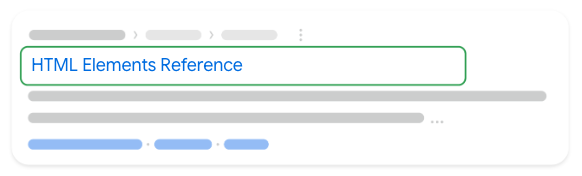
<head>
  <title>HTML Elements Reference</title>
</head>
Page descriptions
Meta description tags are important because Google might use them as snippets for your pages in Google Search results.
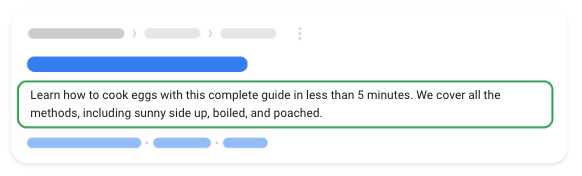
<head>
  <meta
    name="description"
    content="This is an example of a meta description. This will often show up in search results."
  />
</head>
Robots.txt
A robots.txt file tells search engine crawlers which URLs the crawler can access on your site.
Detail docs: here
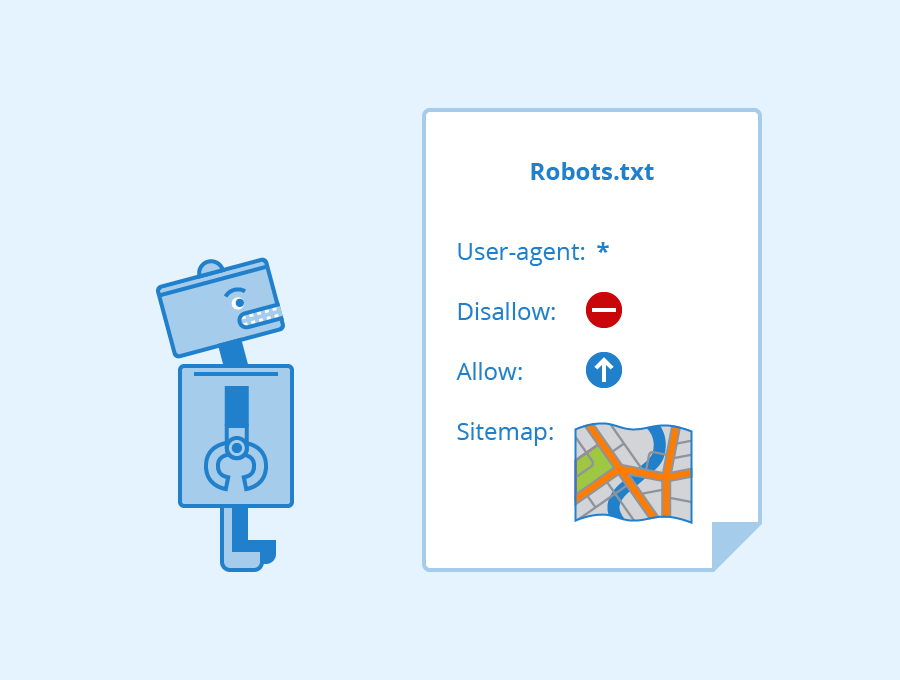
User-agent: *
Allow: /
Allow: /ads.txt
Disallow: /.well-known/amphtml/apikey.pub
Sitemap: https://my-website.com/sitemap.xml
Page headings
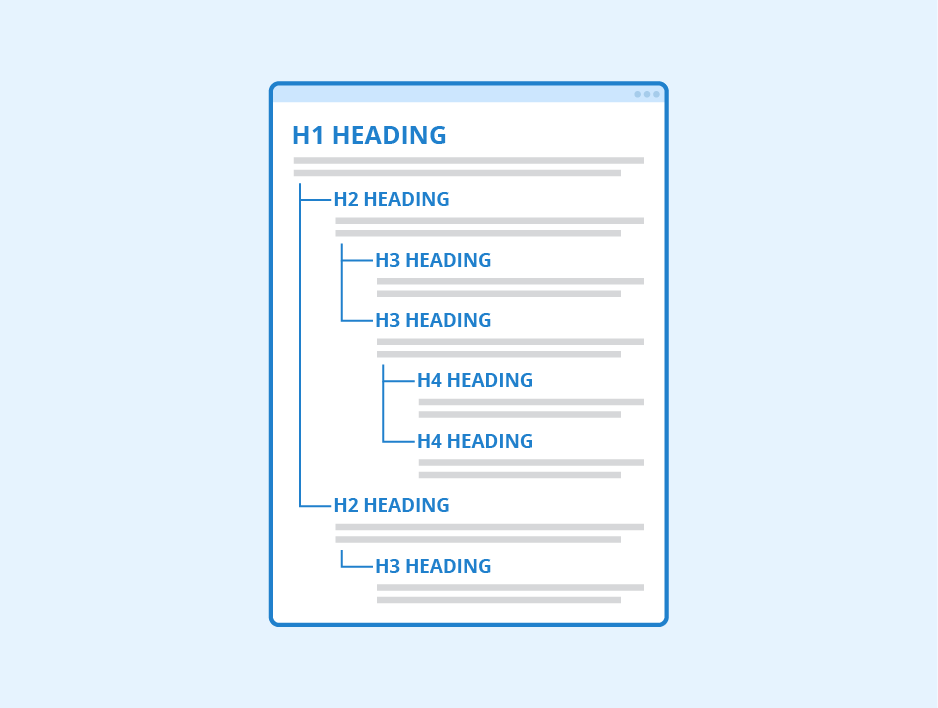
Headings should be added to pages to give their content a hierarchical structure. This helps give search engines and users a better understanding of what each page contains. but using headlines should be more effective to avoid that worse than not applied.
🙅♂️ Avoid:
- Placing text in heading tags wouldn't be helpful in defining the structure of the page.
- Using heading tags where other tags like
<em>and<strong>may be more appropriate. - Erratically moving from one heading tag size to another.
- Excessive use of heading tags on a page.
- Very long headings.
- Using heading tags only for styling text and not presenting structure.
👍 Tips:
- Use only one H1 heading (
<h1>tag) per page. - Use optimal length H1 headings (recommend the length is no longer than 70 characters).
H1headlines should be unique (content).
Redirects
Permanent
Googlebot follows the redirect, and the indexing pipeline uses the redirect as a strong signal that the redirect target should be canonical.
Use permanent redirects when you're sure that the redirect won't be reverted.
| type | setup |
|---|---|
| HTTP 301 (moved permanently) | Set up server-side redirects. |
| HTTP 308 (moved permanently) | Set up server-side redirects. |
| meta refresh (0 seconds) | Set up meta refresh redirects. |
| HTTP refresh (0 seconds) | Set up meta refresh redirects. |
| JavaScript location | Set up JavaScript redirects (Only use JavaScript redirects if you can't do server-side or meta-refresh redirects.) |
| Crypto redirect | Learn more about crypto redirects (don't rely on crypto redirects to let search engines know that your content has moved unless you have no other choice.) |
Temporary
Googlebot follows the redirect, and the indexing pipeline uses the redirect as a weak signal that the redirect target should be canonical.
| type | setup |
|---|---|
| HTTP 302 (found) | Set up server-side redirects. |
| HTTP 303 (see other) | Set up server-side redirects. |
| HTTP 307 (temporary redirect) | Set up server-side redirects. |
| meta refresh (>0 seconds) | Set up meta refresh redirects. |
| HTTP refresh (>0 seconds) | Set up meta refresh redirects. |
Page Content
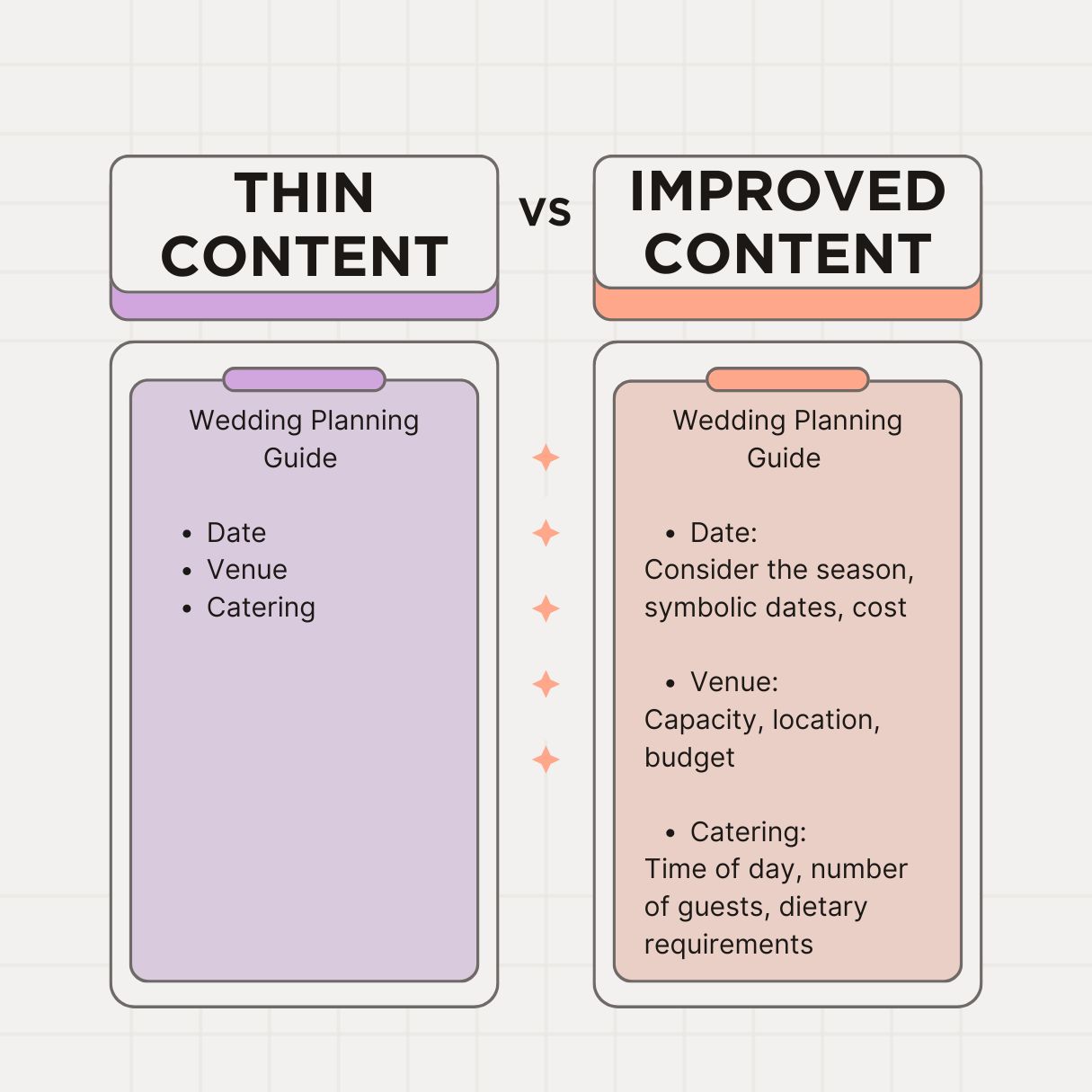
Pages should contain substantial, unique, and high-quality content that works well on mobile devices and has accessibility in mind.
Avoid thin content page
That is better when having 300 words per page as a rough guideline for identifying pages that are lacking in content.
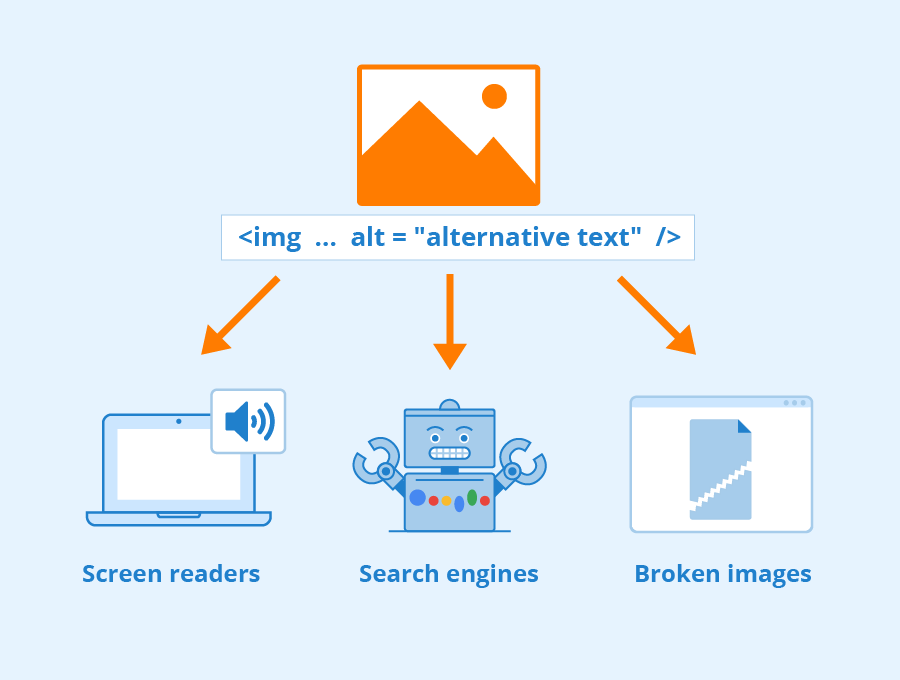
Set image ALT text
<img src="example.png" alt="Description" />
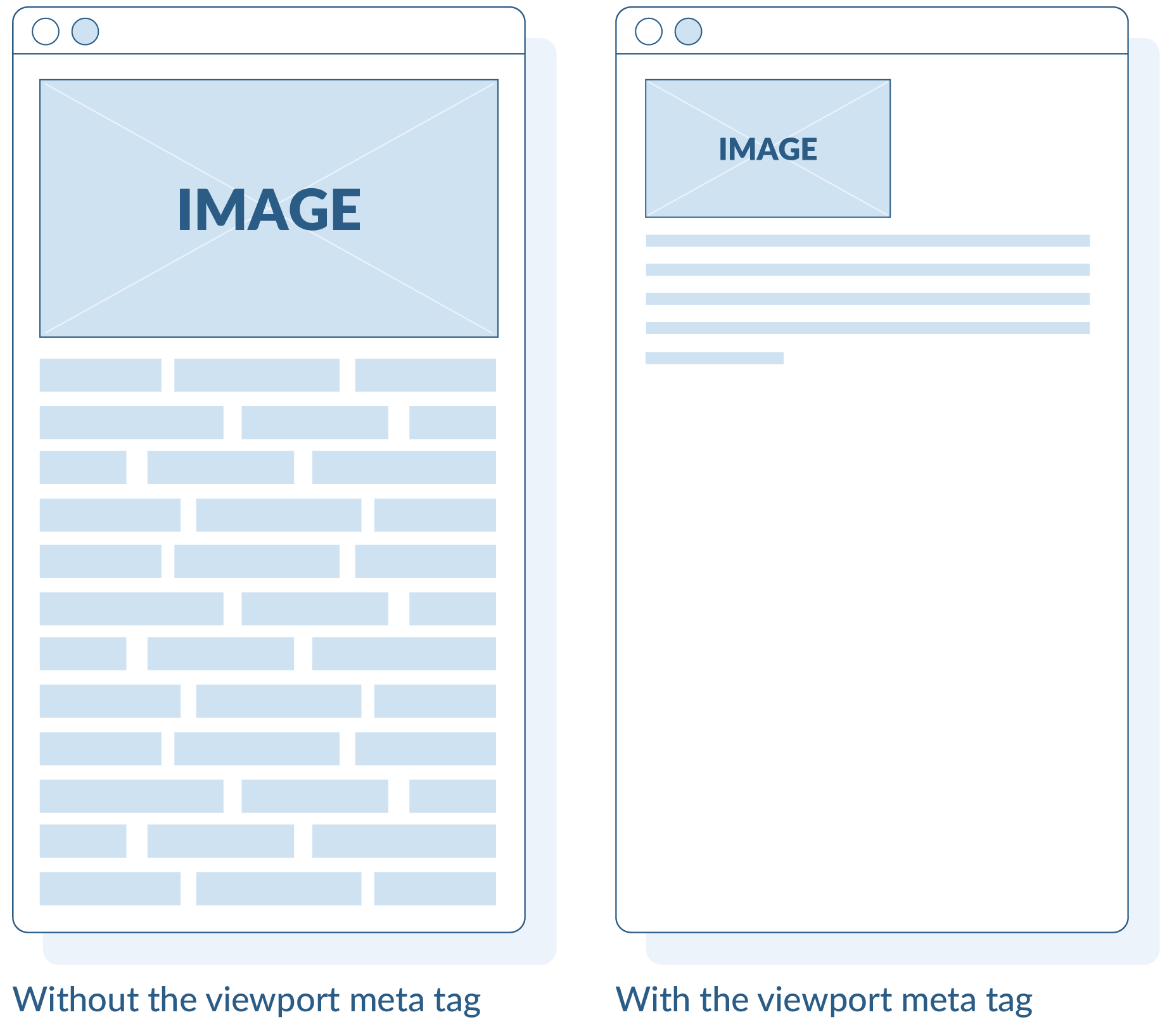
Set mobile scaling
<meta name="viewport" content="width=device-width, initial-scale=1" />
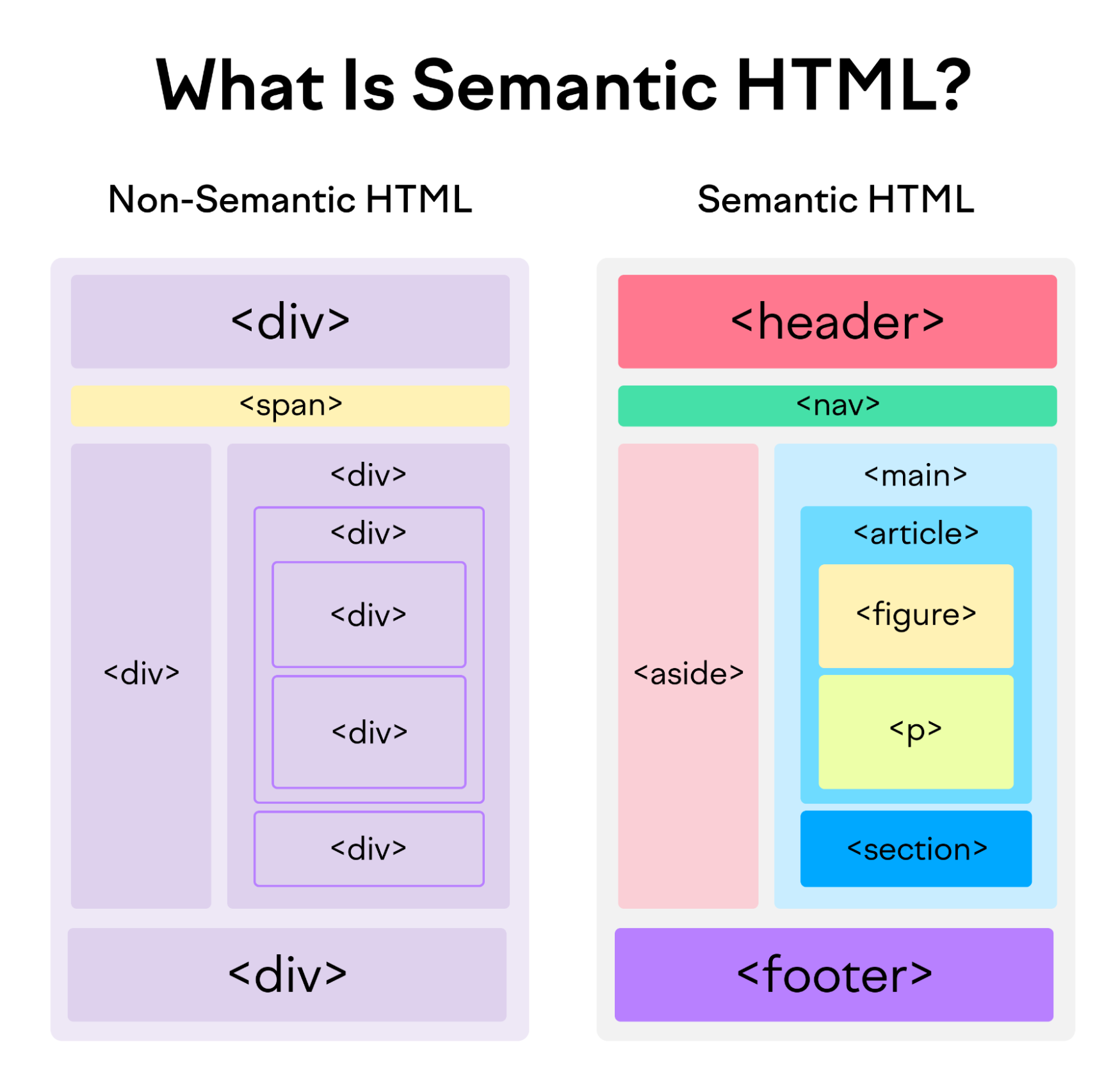
Semantic HTML
Use semantic HTML tags to improve search. However, semantic HTML tags are a small thing in SEO work. The HTML tags should be used:
<nav><section>- ...
Code validation
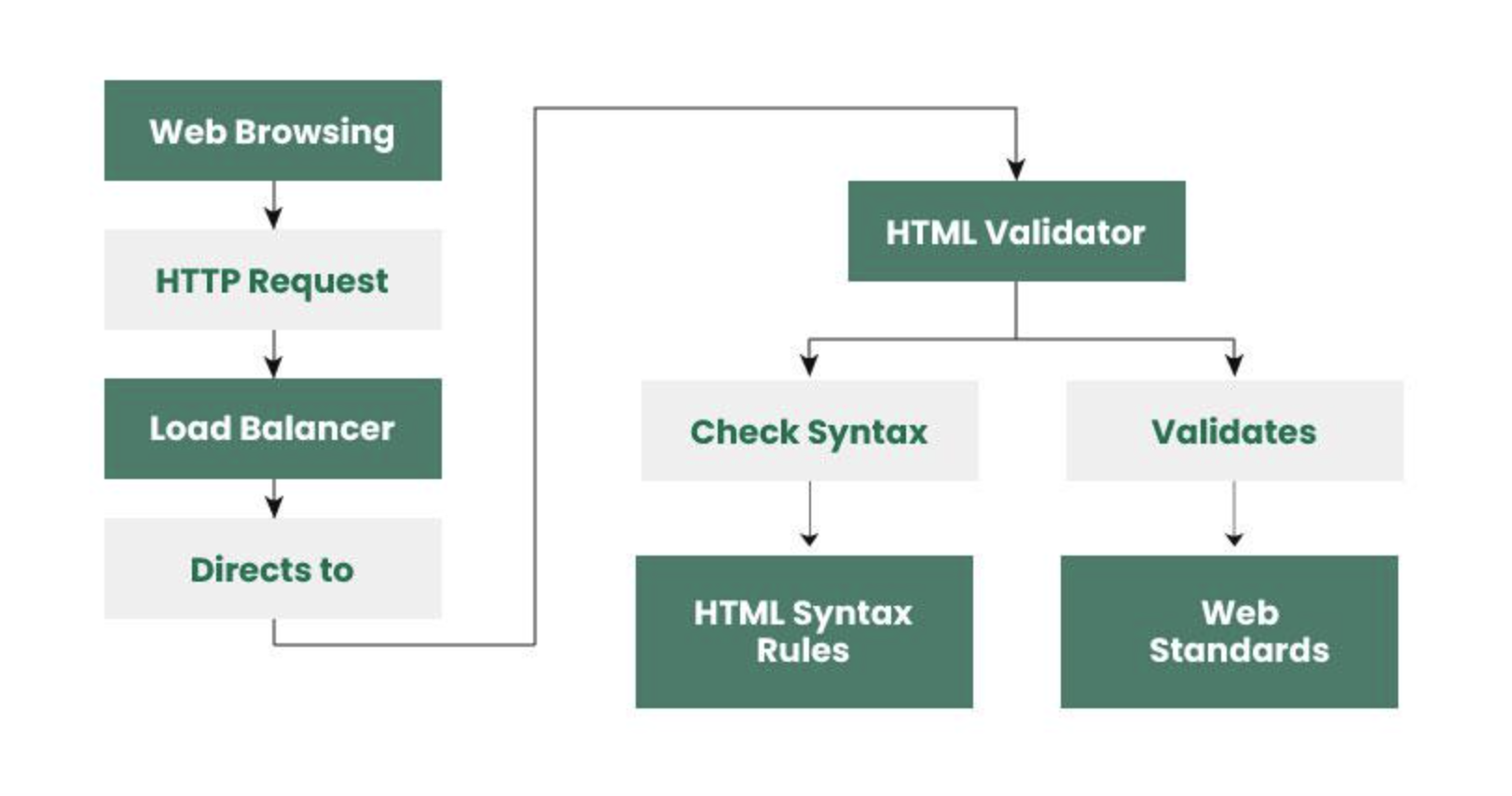
HTML, CSS, and JavaScript files should be valid to avoid issues that may impact search engines and visitors. That means the source build should not include invalid code and error code to discontinue the BOT SEO crawling.
URL names
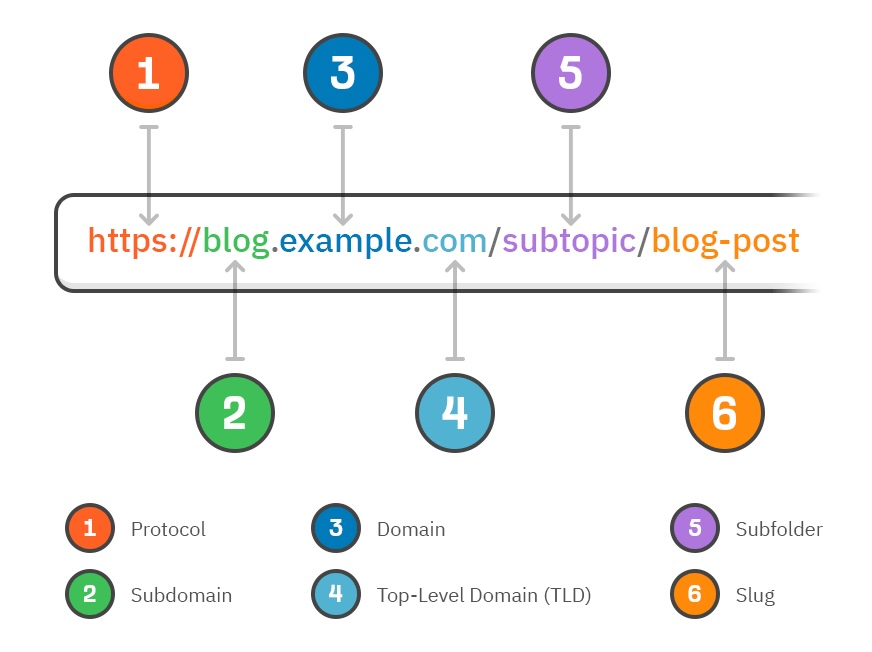
Each page should have a well-written URL that is short, accurate, and friendly for humans to read.
Reference documentation
- https://www.checkbot.io/guide/seo/
- https://developers.google.com/search/docs/fundamentals/seo-starter-guide/
- https://developers.google.com/search/docs/crawling-indexing?hl=en
- https://developers.google.com/search/docs/appearance/title-link#how-title-links-in-google-search-are-created